
Creating a cozy and productive home workspace is essential for anyone who spends significant time working from home. A well-designed workspace can improve focus, enhance comfort, and make your workday more enjoyable. In this post, we’ll explore practical tips to help you set up a home office that inspires productivity while keeping you cozy and comfortable.
Why a Cozy Workspace Matters
Before diving into the setup tips, it’s important to understand why a cozy workspace is worth the effort. Comfort reduces physical strain and stress, while a workspace tailored to your needs can improve concentration and workflow. Balancing comfort and functionality is key to creating an environment that encourages productivity throughout your workday.
Choose the Right Location
Find a Quiet, Low-Traffic Spot
Select a space in your home where you can work with minimal distractions. Ideally, this area should be away from noisy rooms or high-traffic zones. A quiet environment promotes better focus and helps you separate work from home life.
Opt for Natural Light
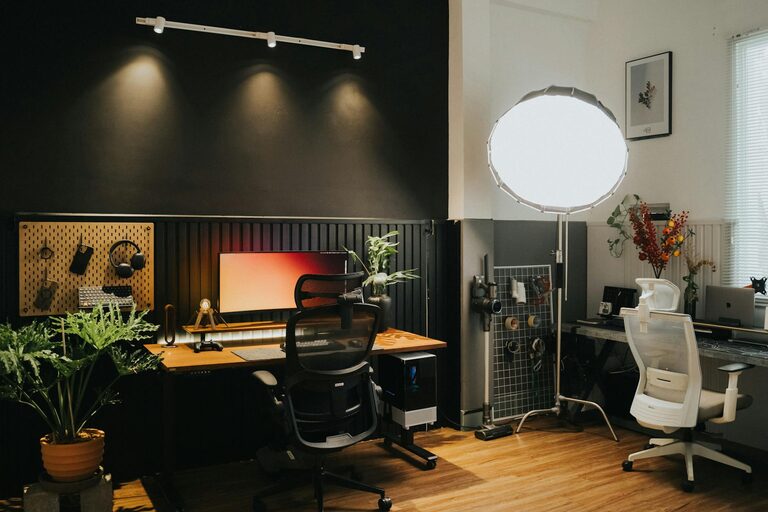
Whenever possible, position your desk near a window. Natural light can boost your mood and energy levels, making it easier to stay alert. If natural light is limited, invest in full-spectrum lighting or adjustable desk lamps that mimic daylight.
Invest in Comfortable and Functional Furniture
Select an Ergonomic Chair
A supportive, adjustable chair keeps you comfortable, protecting your back and promoting good posture during long work sessions. Look for chairs with lumbar support and adjustable height to suit your desk and body.
Choose the Right Desk
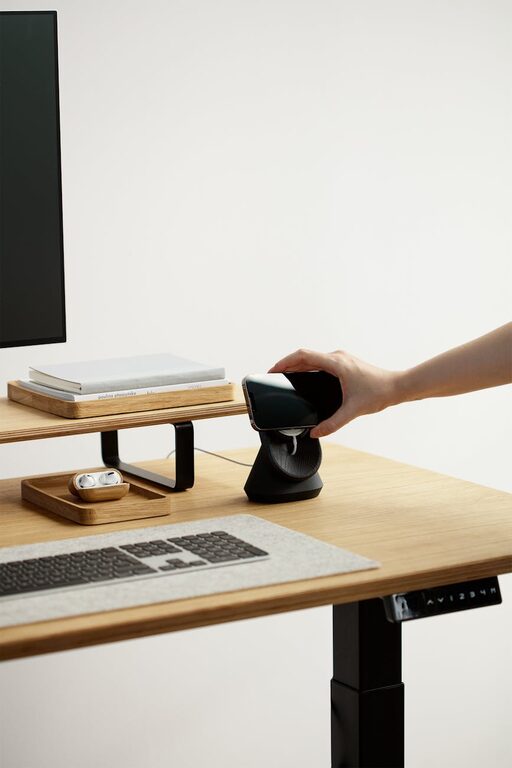
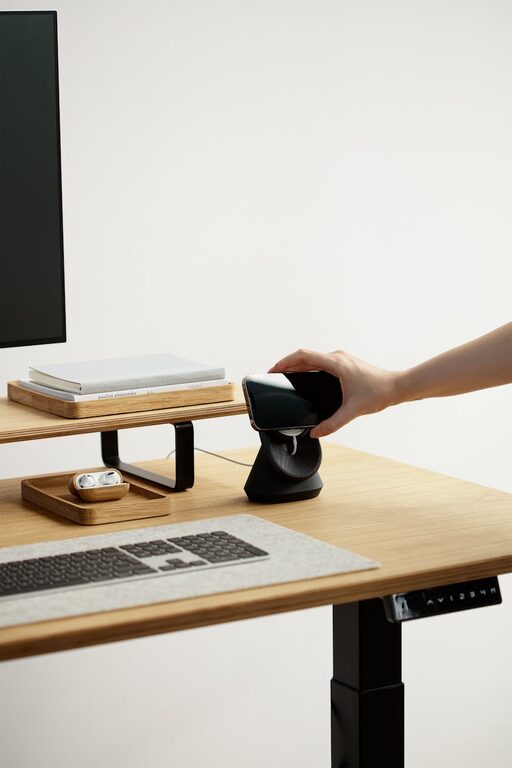
Your desk should fit your work needs and available space. Whether you prefer a standing desk or a traditional seated one, make sure it’s spacious enough for your computer, documents, and any other tools you use regularly.
Organize Your Workspace for Efficiency
Use Storage Solutions
Keep clutter off your desk by using shelves, drawers, or organizers. This makes it easier to find what you need quickly and keeps the area visually appealing.
Prioritize Cable Management
Tidy cables contribute to a clean workspace and reduce frustration. Use cable clips, ties, or underground cable sleeves to keep cords organized and out of the way.
Personalize Your Space
Add Cozy Textiles
Incorporate items like soft cushions, a throw blanket, or a small rug to make your workspace more inviting. These touches can increase comfort and help you feel more relaxed.
Include Plants
Adding greenery enhances air quality and brings a refreshing natural element to your desk. Small potted plants or low-maintenance succulents are perfect choices for busy work environments.
Decorate with Meaningful Items
Display a few personal items like photos, artwork, or motivational quotes. These reminders can keep you inspired and connected to your workspace.
Create a Healthy Work Routine
Set Clear Work Hours
Define when your workday starts and ends to maintain balance. This helps your brain associate this space with focused work during set times, improving productivity.
Take Regular Breaks
Stand up, stretch, and move around every hour or so. Breaks prevent fatigue and help maintain your focus over longer periods.
Keep Hydrated and Snack Smartly
Keep a water bottle nearby and have healthy snacks available. Staying hydrated and nourished supports concentration and energy levels.
Minimize Distractions
Use Noise-Canceling Tools
If you cannot find a perfectly quiet spot, consider using noise-canceling headphones or background white noise apps to drown out distractions.
Turn Off Non-Essential Notifications
Limit interruptions from smartphones or social media by silencing notifications or using “Do Not Disturb” modes while working.
Optimize Technology and Tools
Ensure Reliable Internet and Tech Setup
A fast, stable internet connection is a must for smooth remote work. Keep your computer, printer, and other devices in good working order to avoid technical hiccups.
Utilize Productivity Apps
Tools like task managers, calendar apps, and focus timers can help you organize work and manage your time efficiently.
Maintain Your Workspace
Clean Regularly
A tidy, clean space promotes mental clarity and prevents clutter buildup. Spend a few minutes daily or weekly to clear your desk and dust surfaces.
Update and Refresh as Needed
As your work needs evolve, adjust your workspace accordingly. Don’t hesitate to rearrange or upgrade furniture, lighting, or décor to maintain comfort and efficiency.
—
By thoughtfully designing your home workspace with these tips, you create an environment that supports both comfort and productivity. Tailor your setup to your personal preferences and work style, and enjoy the benefits of a cozy, effective place to get your work done.