Creating a productive home office space is essential for anyone working remotely or managing tasks from home. A well-designed workspace can improve focus, reduce distractions, and foster an environment where creativity and efficiency thrive. Whether you have a dedicated room or just a small corner, these tips will help you set up an effective home office that meets your needs.
Choose the Right Location
Find a Quiet Spot
Select a space in your home where you can work without interruptions. This might be a spare room, a section of the living room, or a bedroom corner. Aim for an area with minimal foot traffic and noise.
Consider Natural Light
Natural light can uplift your mood and reduce eye strain. Position your desk near a window if possible, but avoid glare on your computer screen. If natural light is limited, invest in good-quality artificial lighting.
Invest in Comfortable and Functional Furniture
Ergonomic Chair and Desk
Comfort is key when you spend hours working. Choose an ergonomic chair that supports your back and promotes good posture. A desk at the right height will help prevent strain on your wrists and neck.
Optimize Desk Space
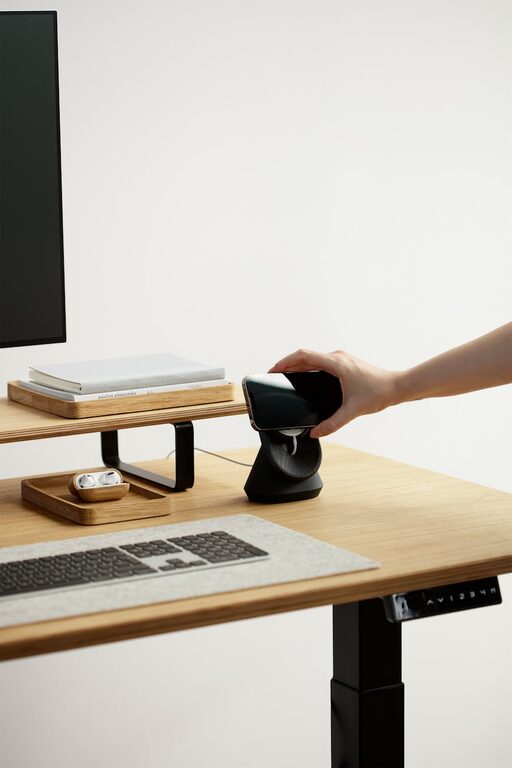
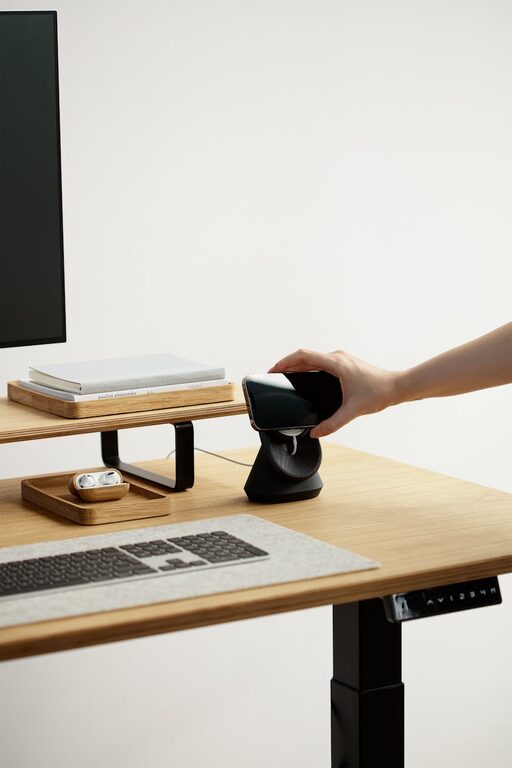
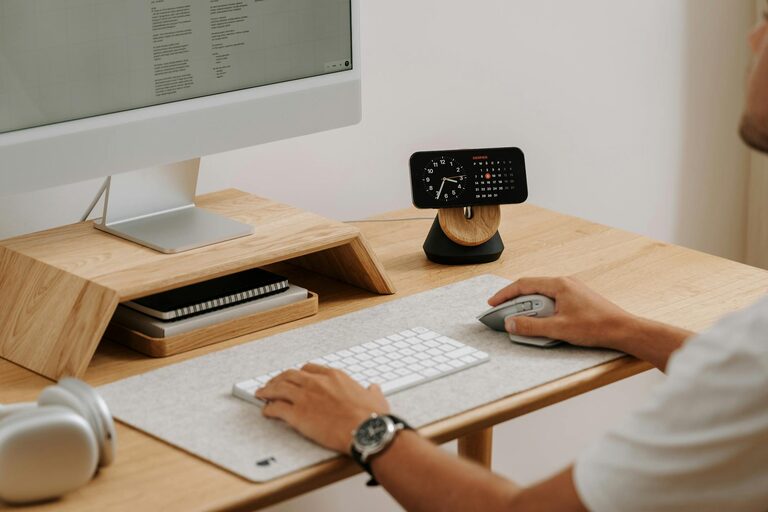
Keep only essential items on your desk to avoid clutter. Ensure there’s enough room for your computer, notebooks, and other necessary tools.
Organize Your Workspace Effectively
Use Storage Solutions
Shelving, file cabinets, and desk organizers help you keep documents and supplies tidy. Label storage containers to quickly find what you need.
Keep Digital and Physical Files in Order
Organize your computer desktop and email inbox regularly. Create folders for important files and back up critical data to prevent loss.
Minimize Distractions
Set Boundaries
Communicate your working hours to household members to reduce interruptions. Consider using a “Do Not Disturb” sign if you share your space.
Limit Noise
Use noise-canceling headphones or white noise machines to block background sounds. Soft instrumental music can also improve concentration for some people.
Enhance Productivity with Technology
Reliable Internet Connection
A fast and stable internet connection is crucial for video calls and accessing cloud-based tools.
Essential Gadgets and Apps
Use productivity apps for task management, time tracking, and communication. Keep charging cables and accessories organized and within reach.
Personalize Your Space Without Overdoing It
Add Inspiring Elements
Decorate your office with items that motivate you, such as plants, photos, or artwork. Greenery can improve air quality and provide a calming effect.
Balance Comfort and Focus
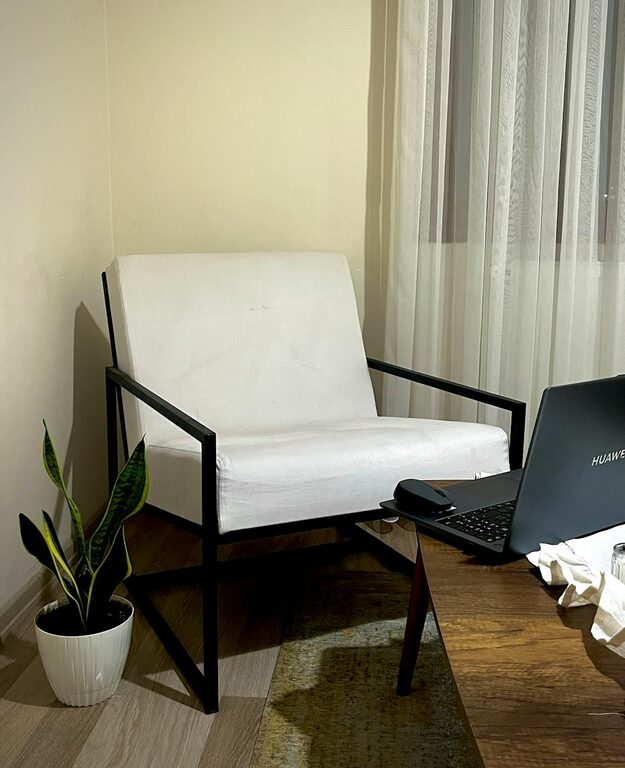
Include a comfortable chair or cushion for breaks, but avoid too many distractions like television or unrelated clutter.
Manage Your Time and Breaks
Establish a Routine
Set a consistent daily schedule with clear start and end times. Create a to-do list each morning to stay on track.
Take Regular Breaks
Step away from your desk every hour to stretch or walk. Short breaks prevent fatigue and maintain productivity throughout the day.
Keep Your Workspace Clean
Daily Tidying
Spend a few minutes at the end of each day clearing your desk to start fresh tomorrow.
Regular Deep Cleaning
Dust surfaces and vacuum the area weekly to maintain a healthy environment.
Conclusion
Creating a productive home office space involves more than just picking a desk and chair. With thoughtful planning, organization, and attention to comfort, you can design a workspace that supports focus and efficiency. Remember to personalize your area in ways that inspire you, manage distractions, and take care of your physical and mental well-being. Implement these tips to enjoy a home office that helps you perform at your best every day.