Creating a relaxing home workspace is essential for anyone looking to improve productivity and maintain comfort throughout long workdays. A well-designed workspace can help reduce stress, increase focus, and make working from home more enjoyable. Whether you’re setting up a new home office or optimizing your current space, these tips will guide you in crafting an environment that promotes both relaxation and efficiency.
Why a Relaxing Workspace Matters
Working from home has become increasingly common, but it brings challenges like distractions and discomfort that can hinder productivity. A relaxing workspace helps counter these issues by providing a dedicated area where your mind feels calm and your body supported. This balance is key to staying motivated and getting work done effectively.
Choose the Right Location
Start by selecting the best spot for your home office or workspace. Ideally, it should be:
– Quiet and Away from High Traffic Areas: Reduce interruptions by choosing a space away from the busiest parts of your home.
– Close to Natural Light: Position your desk near a window to benefit from natural light, which helps improve mood and energy.
– Well-Ventilated: Fresh air enhances comfort and keeps you alert.
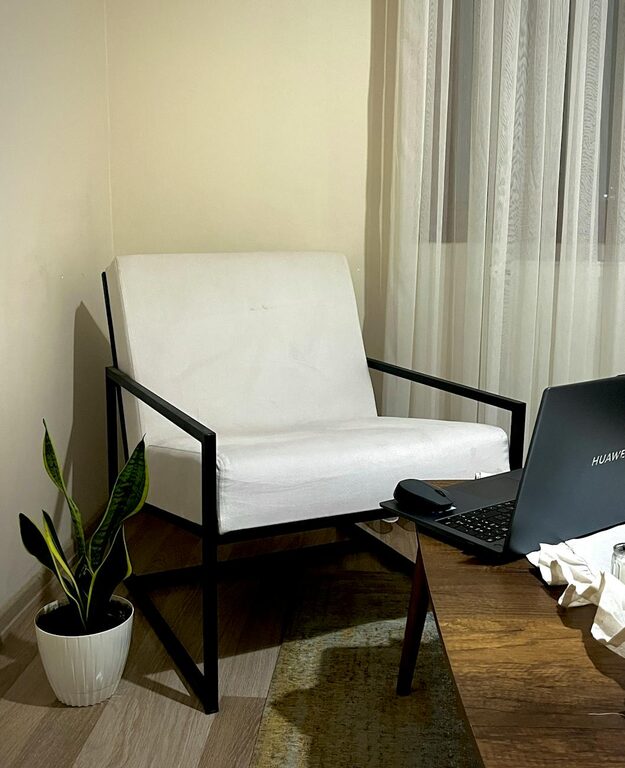
If space is limited, even a corner in a living room or bedroom can work, as long as it feels separate from your leisure areas.
Invest in Comfortable Furniture
Comfort is crucial for long hours of work. Consider the following:
– Ergonomic Chair: Choose a chair with good lumbar support and adjustable height to maintain posture.
– Sturdy Desk: Select a desk that fits your space and gear, with enough room to work without clutter.
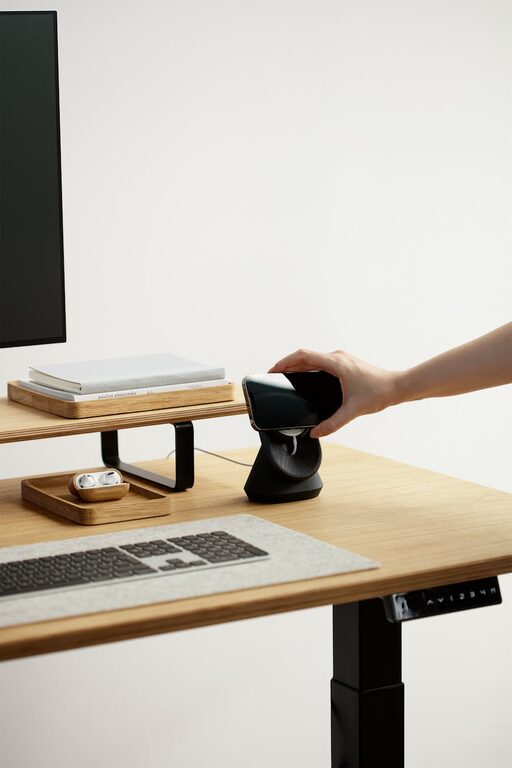
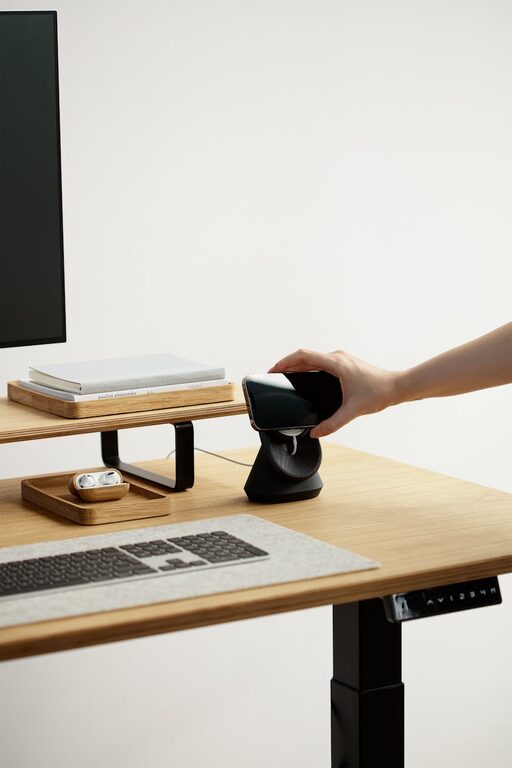
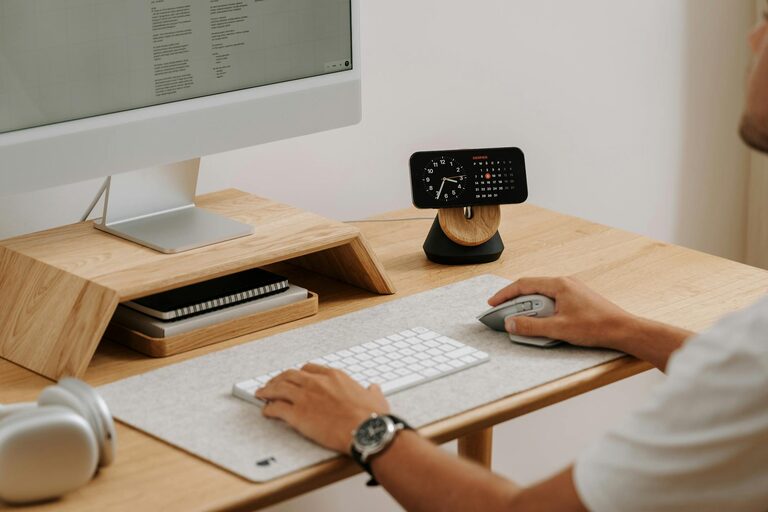
– Adjustable Elements: A sit-stand desk or adjustable monitor stand can help vary your posture and reduce strain.
Comfortable furniture prevents physical discomfort that can distract you and reduce productivity.
Keep It Organized and Clutter-Free
A tidy workspace promotes a clear mind. To stay organized:
– Use Storage Solutions: Shelves, drawers, and desk organizers keep supplies and documents neatly stored.
– Limit Items on Your Desk: Keep only essentials within reach to avoid distractions.
– Create a Filing System: Whether digital or physical, an organized system makes finding important files quick and easy.
Regularly declutter your workspace to maintain a fresh and inviting area.
Personalize Without Overcrowding
Adding personal touches makes your workspace feel welcoming. Some ideas include:
– Plants: Small indoor plants improve air quality and add a calming natural element.
– Artwork or Photos: Choose inspiring or soothing images that lift your mood.
– Soft Lighting: Lamps with warm bulbs can reduce eye strain and create a cozy atmosphere.
Be mindful not to overcrowd your space; balance decoration with functionality.
Manage Sound and Minimize Distractions
Sound can greatly affect concentration. To manage noise:
– Use Noise-Canceling Headphones: Useful to block out background noise.
– Play Soft Background Music: Instrumental or nature sounds can improve focus for some people.
– Soundproof the Area: Add rugs, curtains, or foam panels to absorb sound if needed.
Also, set clear boundaries with household members to minimize interruptions during work hours.
Optimize Lighting for Comfort and Productivity
Beyond natural light, good lighting is key:
– Task Lighting: A desk lamp provides direct light for reading or detailed work.
– Avoid Glare: Position screens and lights to reduce reflections.
– Use Adjustable Lighting: Dimmer switches or multiple light sources allow you to adjust brightness based on the time of day.
Proper lighting reduces eye strain and keeps you alert.
Incorporate Break and Relaxation Zones
If possible, set up a small area nearby where you can take short breaks. Ideas include:
– Comfortable Chair or Cushion: A place to stretch or meditate briefly.
– Refreshment Station: Keep water or snacks close to stay hydrated.
Taking breaks in a relaxing spot helps avoid burnout and improves overall productivity.
Maintain Healthy Work Habits
Your workspace setup supports good habits like:
– Regular Movement: Stand up and stretch every hour.
– Good Posture: Adjust your chair and screen height to avoid slouching.
– Hydration and Nutrition: Keep water and healthy snacks handy.
Pairing your relaxing workspace with healthy habits maximizes benefits.
Technology Setup for Efficiency
Ensure your technology supports your workflow:
– Reliable Internet and Devices: Fast and stable connections prevent frustration.
– Cable Management: Use clips or covers to keep wires organized and out of sight.
– Screen Placement: Position monitors at eye level to avoid neck strain.
Efficient technology reduces downtime and contributes to a smooth working experience.
Final Thoughts
Creating a relaxing home workspace tailored to your needs combines comfort, organization, and personal style. By following these tips, you can design a space that not only boosts your productivity but also makes each workday more pleasant. Remember, your workspace should evolve with you—periodically reassess and adjust elements to maintain the perfect balance of comfort and function.
Setting up a calming and efficient office at home is an investment in your wellbeing and work success. Start small, stay consistent, and enjoy the positive impact of your thoughtfully crafted workspace.